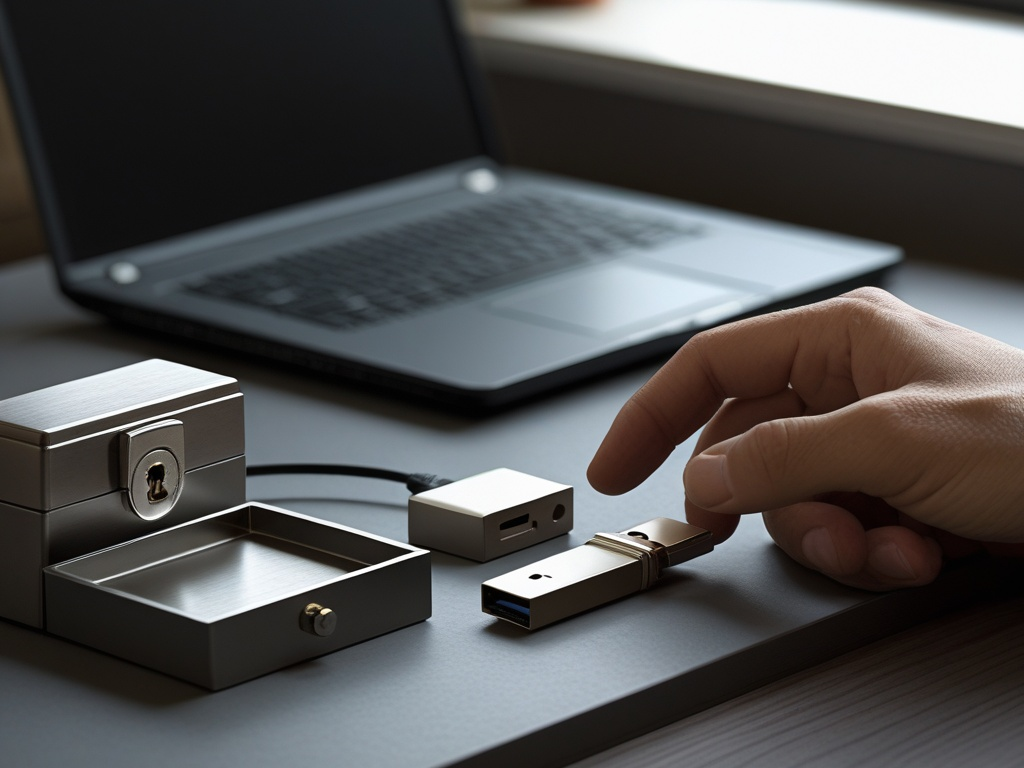
USB risk is easy to underestimate because it rarely looks dramatic at the start.
A contractor hands over a thumb drive with export files. A new hire plugs in an old personal flash drive to move onboarding documents. Someone finds a branded giveaway drive from a conference bag and wants to see what is on it. A front-desk machine, meeting-room PC, or workshop laptop gets treated like a convenient place to check one quick file. None of that sounds like a breach story on its own. It is exactly why USB drive security still deserves practical attention in 2026.
The problem is not that every removable device is malicious. The problem is that removable media can bypass a lot of the controls teams spend more time thinking about. Email filters do not help if the file never arrives by email. Browser hygiene does not help if the payload never touches the browser. SaaS access rules do not help if a sensitive file gets copied onto the wrong drive and walks out the door.
Key Takeaway: USB security is really about controlling trust at the point where a physical device meets a work system. If the transfer path is informal, the risk is informal too.
Why this matters more than people expect
Many small teams think of USB drives as a legacy issue.
That view misses how often removable media still shows up in ordinary work:
- vendor file handoffs
- printer and scanner workflows
- workshop or lab systems
- marketing event assets
- conference travel
- air-gapped or semi-isolated machines
- ad hoc backups
- personal drives employees already carry
This is one reason CISA's Cybersecurity Performance Goals include policies and processes to stop unauthorized media and hardware from being connected casually to organizational systems. The point is not nostalgia for old attack stories. The point is that physical plug-in paths still create real exceptions around normal security controls.
This topic also fits beside Hexon's recent practical posts on endpoint hygiene, work travel cybersecurity, office badge security, and guest Wi-Fi security. The shared issue is simple: too much trust gets granted because a device, person, or object is physically nearby.
The mistake most teams make
They write a vague rule like "do not use random USB drives" and assume that solves it.
It does not.
Employees still need to move files somehow. If the business does not provide a safe transfer path, people will invent one:
- personal flash drives
- borrowed adapters
- conference giveaway media
- old drives from a drawer
- direct copies between contractor and company laptops
- quick exceptions for printers, kiosks, or shop-floor systems
Common Mistake: Treating USB policy as a warning instead of a workflow. If the secure path is missing, the insecure path becomes the default.
The practical device-control checklist
Small teams do not need a giant device-control program to reduce this risk. They need clearer rules about which devices are trusted, which systems can accept them, and what employees should do when a file transfer falls outside the normal path.
1. Decide which removable media is allowed at all
Start by making the allowed set explicit.
For example:
- company-issued encrypted USB drives only
- approved external storage only for named roles
- no personal flash drives on work devices
- no unknown media on finance, admin, or privileged endpoints
- no removable media at all on especially sensitive systems unless formally approved
This matters because "use judgment" scales badly. A better rule is:
If the drive is not company-approved, treat it as untrusted by default.
That one sentence removes a surprising amount of ambiguity.
2. Give employees a safer transfer path before you restrict the risky one
A lot of bad USB habits start as convenience.
If people are still reaching for thumb drives to move ordinary files, the business should ask why. Common reasons include:
- poor file-sharing habits
- email attachment limits
- vendor workflows that were never modernized
- unreliable VPN or remote access
- meeting-room or front-desk systems with awkward access
The practical fix is not only "ban USB." It is also:
- give the team an approved file-sharing method
- define how vendors should send files
- provide a named process for large or sensitive file transfers
- make exceptions visible instead of ad hoc
This is where USB security overlaps directly with secure file sharing at work. The less often people need a physical transfer shortcut, the less often they will create one.
3. Keep one controlled exception path for unavoidable media
Some teams do need removable media occasionally.
That is fine. The key is to avoid turning every employee laptop into the inspection point.
A better pattern is:
- one designated intake machine or process
- malware scanning before broader use
- a short owner trail for who brought the device and why
- a rule that sensitive systems do not become the first place a drive gets tested
For higher-risk environments, CISA's broader guidance around unauthorized media and hardware points in the same direction: handle removable media through defined procedures, not informal judgment calls.
Pro Tip: The first system to touch an unknown drive should be the most controlled one you can manage, not the busiest employee laptop in the room.
4. Disable the easy shortcuts that make USB mistakes worse
This is where policy needs technical backing.
Depending on your environment, the baseline may include:
- disabling AutoRun or equivalent automatic execution behavior
- limiting who can install device drivers
- restricting local admin rights
- blocking removable storage classes on higher-risk devices
- logging or alerting on newly attached external storage where your tools support it
You do not need every control on every machine. You do need enough friction that plugging in a random device does not quietly become normal.
5. Separate ordinary office endpoints from sensitive or operational systems
Not every device deserves the same USB rules.
The systems that need tighter restrictions often include:
- finance or payroll workstations
- admin laptops
- support jump boxes
- lab and workshop machines
- OT or semi-isolated systems
- front-desk or shared kiosks
On those systems, removable media should feel exceptional, not routine. If the business still uses ad hoc USB transfers on machines with privileged access or sensitive data, the trust boundary is too loose.
This is the same operational lesson behind vendor access risk and admin access at work. High-impact systems should get narrower exception paths, not more casual ones.
6. Control the little accessories around the drive, not just the drive itself
USB risk is not limited to the flash drive.
The accessory pile matters too:
- hubs
- adapters
- charging cables with data capability
- external SSDs
- loaner devices
- promotional gadgets that expose storage when connected
That matters because employees often see these as harmless helpers rather than data paths. In practice, they create the same trust question: what exactly are we plugging into the device, and why do we trust it?
This point becomes even more important during travel, events, and shared-office setups where borrowed accessories become normal.
7. Inventory and store approved drives like assets, not desk clutter
If the company issues approved removable media, keep the program small and visible.
At minimum:
- know who has each approved drive
- retire old or unneeded devices
- store spare media in a controlled place
- prefer encrypted media for anything sensitive
- avoid leaving drives in meeting rooms, front desks, or shared drawers
The goal is not bureaucratic perfection. The goal is to stop approved media from becoming anonymous objects that circulate forever.
8. Train for the most common bad scenarios, not only malware theory
Employees remember scenarios better than policy language.
Brief the team on a few concrete examples:
- do not plug in a drive found in the office or parking lot
- do not use a conference giveaway drive on a work machine
- do not use a personal drive to bridge home and work devices
- do not connect vendor media directly to a sensitive endpoint
- ask before using removable media on shared or privileged systems
That kind of briefing is more useful than a generic lecture about "cyber threats." People need to recognize the exact moments when convenience tries to outrun policy.
9. Include removable-media rules in onboarding, travel, and contractor workflows
USB controls often fail because they live in nobody's default checklist.
They belong in:
- employee onboarding
- contractor access expectations
- travel guidance
- workshop or lab procedures
- front-desk and shared-device rules
If a new employee gets told how to join Wi-Fi, use MFA, and access the shared drive, they should also hear the simple rule for removable media. Otherwise the business leaves one physical trust path undefined from day one.
10. Have an incident path for accidental plug-ins
Someone will eventually plug in the wrong thing.
The next step should be obvious:
- disconnect it if safe to do so
- stop using the system for sensitive work until checked
- notify the right IT or security contact
- capture what device was connected, where, and for how long
- review whether any files were opened, copied, or executed
The biggest avoidable failure is not the mistake itself. It is the quiet cover-up because the employee thinks they will get blamed for admitting it.
Pro Tip: Make the expected response simple and non-dramatic. Fast reporting beats perfect reporting.
A right-sized 30-day baseline
If a small business wants the shortest useful version of this checklist, start here:
- Ban personal and unknown USB drives on work devices.
- Define one approved file-transfer path for employees and vendors.
- Keep one controlled intake path for necessary media exceptions.
- Tighten technical controls on higher-risk systems.
- Brief the team on the handful of removable-media scenarios they are most likely to face.
That is already enough to reduce a lot of routine risk without slowing everyone down.
Final takeaway
In 2026, USB drive security is not a relic from old worm outbreaks. It is a modern workflow problem about trust, convenience, and physical exceptions.
If your team still treats removable media as an informal shortcut, you are leaving one of the oldest bypass paths wide open for very ordinary mistakes. If your team treats USB use as a controlled exception with an approved path, a scanning step, and clearer ownership, the risk gets much easier to manage.