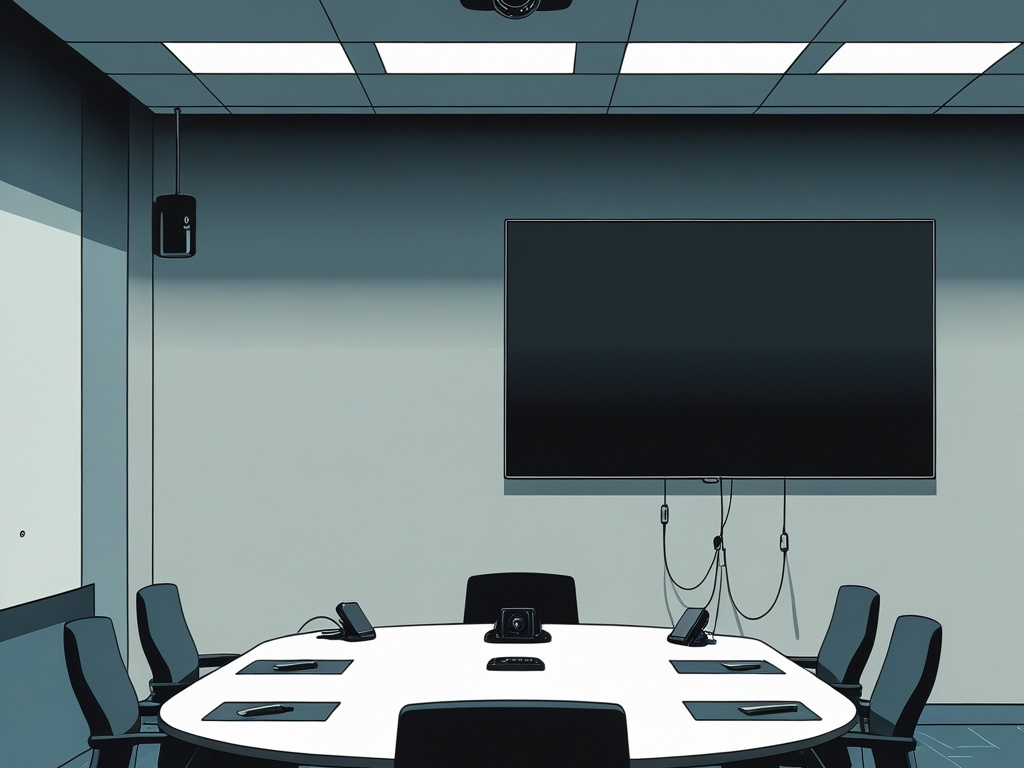
Conference room gear gets trusted far more than it gets reviewed.
In a typical small business, the meeting room now sits at the intersection of cameras, microphones, room displays, shared tablets, wireless casting tools, HDMI dongles, guest laptops, calendar integrations, and collaboration accounts that stay signed in for convenience. None of that feels like a classic security boundary. In practice, it is exactly that.
That is why conference room device security deserves real attention in 2026. Most teams already think about laptops, browsers, MFA, and shared files. They should. But one lightly managed meeting room can still expose sensitive discussions, create a guest-device trust path, and leave old accounts or stale integrations hanging around long after the last project ended.
Key Takeaway: Meeting-room security is not only about the camera or the screen. It is about controlling what shared room devices can access, what guests can plug into, which accounts stay signed in, and how much business context the room exposes by default.
Why this matters more now
Conference rooms used to be simple. A screen, a phone, maybe a projector. That model is gone.
A modern room setup may include:
- a dedicated room account tied to the company calendar
- always-available microphones and cameras
- a shared tablet or controller
- wireless presentation tools
- HDMI and USB-C adapters passing between employees and guests
- auto-join meeting workflows
- saved credentials for conferencing or room-booking platforms
That mix makes the room more useful, but it also makes it easier to forget who owns the trust inside it.
This is why the topic sits naturally beside Hexon's earlier practical posts on calendar security at work, screen sharing security, AI meeting note takers, and office badge security. The systems are different. The underlying problem is the same: collaboration convenience tends to accumulate faster than controls around it.
Common Mistake: Treating the room as harmless shared space because the laptops leave with employees. The room itself may still keep accounts, devices, settings, and data paths that matter.
Where conference room risk usually appears first
The weak points are usually ordinary:
- old meeting-room tablets that nobody patches
- shared room accounts with broad calendar or conferencing access
- guest laptops plugging into adapters and hubs without any real policy
- room displays exposing sensitive meeting titles or join details
- microphones and cameras left active by default
- vendor installers or office IT partners retaining access after setup
- random cables, remotes, and wireless-casting devices moving between rooms without ownership
Each one sounds minor. Together, they create a surprisingly broad trust surface.
The practical checklist
Small teams do not need an enterprise AV governance project to improve this. They need a short set of room rules that match how meetings actually happen.
1. Decide what the meeting room is allowed to do
Start with scope.
A room should have a narrow collaboration purpose, not undefined general-purpose trust. If the room account can browse anything, access sensitive mailboxes, install apps freely, and join any service under the sun, the room is doing too much.
Define the baseline:
- which conferencing platforms are approved
- whether the room device should access full calendar details or only what it needs to join meetings
- whether recording is allowed by default
- whether outside guests are allowed to present directly
- whether room hardware should ever store local files
That sounds basic, but a lot of room drift comes from never deciding what "normal" looks like.
2. Separate room accounts from personal and admin identities
This is one of the biggest room-security failures.
Many teams set up a conference room with somebody's real account because it is fast. Later, the device inherits mail, contacts, chat history, calendar context, or conferencing permissions that were never meant to live on a shared screen.
A safer pattern looks like this:
- a dedicated room identity for the space
- minimal calendar and meeting privileges
- no personal executive or admin mailbox tied to the room
- no standing privileged admin session on the room device
- documented ownership for who manages the account
This overlaps directly with shared account risk and admin access at work. Shared hardware should not become an excuse for fuzzy identity boundaries.
Pro Tip: If a room device breaks, the company should be able to replace it without asking whose personal account was quietly carrying the room.
3. Review what the room display reveals before the meeting starts
Many organizations leak more through the idle room state than through the meeting itself.
Check whether room screens, tablets, or booking panels show:
- full meeting titles
- attendee names
- external guest names
- join links or dial-in details
- executive or legal meeting context
For routine staff syncs, that may feel harmless. For interviews, finance reviews, incident calls, customer escalations, or legal matters, it is unnecessary exposure.
For many small teams, the safer default is simple: show availability and basic meeting controls, not full business context.
This is one reason calendar security matters so much. The room often turns calendar metadata into something visible to anyone walking by.
4. Treat HDMI adapters, dongles, and guest cables like access paths
Loose conference-room cabling tends to get treated like office furniture.
It should not.
If a room uses shared HDMI adapters, USB-C hubs, casting devices, or presentation dongles, those accessories become part of the trust path between an unknown device and the room system.
Review:
- which cables and adapters are approved
- whether employees and guests bring their own hardware
- whether shared hubs or dongles ever leave the room
- whether room devices auto-trust attached peripherals
- whether wireless casting is open too broadly
The goal is not to turn every guest presentation into a security ceremony. The goal is to stop random accessories from becoming unmanaged bridges into shared hardware.
5. Put clear rules around room microphones, cameras, and recording defaults
The camera and microphone are the most obvious room devices, but they are not always the most governed.
Ask a few plain questions:
- when is recording allowed
- who can start it
- where recordings are stored
- whether transcripts are enabled automatically
- who can access the files later
- whether microphones and cameras stay active between meetings
This is where the topic overlaps with AI meeting note takers at work. Once audio, transcripts, and meeting metadata start flowing into cloud tools, the room becomes part of a data-retention system, not just a place to talk.
Common Mistake: Teams review who can join the meeting but never review who can later read the transcript, clip, or recording generated from it.
6. Put room devices on the right network lane
Meeting-room hardware should not automatically share the same trust as employee laptops just because it sits in the office.
That includes:
- conference displays with embedded operating systems
- room tablets
- controller panels
- wireless presentation devices
- conferencing bars and cameras
At minimum, verify whether these devices:
- sit on a managed network segment
- can be reached from guest Wi-Fi
- expose admin interfaces more broadly than necessary
- have outbound internet access beyond what the service actually needs
This is the same operational lesson behind guest Wi-Fi security and printer and scanner security. Shared office devices are still devices. Convenience placement should not define trust.
7. Patch and inventory room hardware like real endpoints
Conference room equipment often stays outside the normal patching conversation for too long.
That is a mistake. If a device runs firmware, stores settings, reaches cloud services, or authenticates to business platforms, it belongs in inventory.
Keep track of:
- model and serial details
- firmware version
- account tied to the device
- owner inside the company
- vendor or installer involved
- date of last review
You do not need a heavyweight CMDB to improve this. A small, accurate spreadsheet is already better than "someone from facilities handled it once."
8. Clean up vendor and installer access after setup
Conference rooms are one of the easiest places for stale third-party access to survive.
An installer sets up the camera. A local IT provider configures the tablet. A vendor support login gets created for troubleshooting. Then everybody moves on and the access stays.
Review:
- who originally installed the room
- whether any remote support accounts still exist
- whether old vendor devices are still paired
- whether third-party apps still hold tokens or device ownership
- whether support passwords live outside the approved password manager
This is a room-level version of vendor access risk. If nobody can explain which outside party can still touch the hardware, the room has already drifted too far.
9. Protect the shared controls, not just the main screen
The most important device in the room is not always the display.
Sometimes it is the controller tablet, the remote mini-PC, the conferencing bar, or the room phone sitting on the table. Those are often the places where settings, pairing, and join controls stay exposed.
Look for:
- unlocked settings menus
- remembered admin PINs
- controller devices left signed in for months
- exposed recovery options
- unmanaged accessories that can trigger pairing or reset flows
If the control plane is weak, the room stays weak even when the big display looks clean.
10. Run a short room walk-through every month
Conference room security degrades quietly, so the fix should be simple and repeatable.
A useful monthly check can be short:
- confirm the room account still belongs to the room and nothing else
- verify firmware and pending updates
- test what the idle display and booking panel reveal
- remove random cables, dongles, and leftover accessories
- confirm who can record, administer, and remotely support the setup
That kind of routine catches most normal problems before they turn into awkward exposure.
Final takeaway
Conference room device security in 2026 is really about controlled shared trust.
If a small team secures the meeting room well, it reduces more than one kind of risk at once. It limits what guests can plug into, what room devices can expose, what stale accounts can survive, and how much sensitive meeting context leaks through the office itself.
The strongest improvements are not dramatic. Narrower room identities, safer display defaults, better cable discipline, cleaner vendor offboarding, and basic patch ownership already go a long way. For many businesses, that is enough to keep the meeting room from quietly becoming one of the least-governed systems in the building.