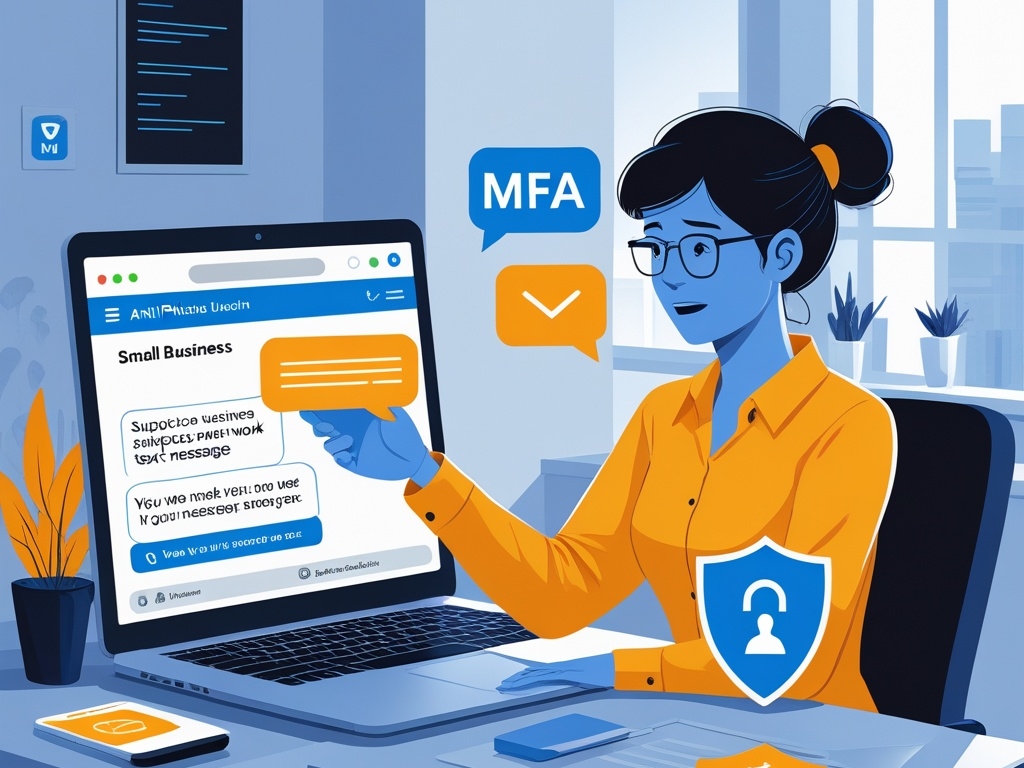
Text message scams used to sound like a consumer problem. Fake package notices. Bogus bank alerts. Random links sent from unknown numbers.
That is not the full picture anymore.
In 2026, business text message scams are part of the normal attack surface for small teams. Employees get fake MFA prompts on their phones, payroll contacts receive urgent payment messages, managers get spoofed texts that appear to come from the founder, and staff on the move are more likely to trust a message because it feels faster and more personal than email.
That is why smishing defense deserves its own review instead of being buried inside general phishing advice.
Key Takeaway: Small teams do not need a giant mobile security program to get better at smishing defense. They need a short set of habits that reduce blind trust in text messages, especially around links, MFA prompts, money movement, and executive requests.
Why text scams matter more at work now
Email still matters, but text messages now sit much closer to daily business action.
Employees use phones to:
- approve MFA requests
- receive delivery and travel alerts
- coordinate with coworkers and contractors
- confirm schedule changes
- reply to customers
- handle payroll and banking notifications
That makes SMS, iMessage, WhatsApp, and similar channels more useful to attackers than they used to be. A message that lands on a phone often reaches the user faster, interrupts them more directly, and gets less scrutiny than a suspicious email in a desktop inbox.
This is what makes business smishing expensive. The scam is rarely only about one bad link. It is about getting the employee to trust a fast-moving request before normal verification catches up.
That also makes this a useful companion to Hexon's recent practical posts on business email security, mobile device security at work, MFA prompt fatigue, and small business cybersecurity policy. The overlap is obvious, but text messages deserve separate attention because people process them differently.
What business smishing usually looks like
Not every business text scam is technically sophisticated. The problem is that it does not have to be.
Common patterns include:
- fake package or courier issues aimed at traveling employees
- text messages that claim a password reset or MFA approval is needed
- payroll or direct-deposit update requests
- fake executive check-ins asking for gift cards, urgent payments, or document sharing
- bogus IT notices that push the user toward a sign-in page
- contractor or vendor impersonation from an unfamiliar number
- banking or invoice alerts that try to trigger a fast callback
The message content is often simple because the channel already does part of the persuasion work. Text messages feel immediate. Phones are personal. People answer quickly.
Common Mistake: Teams build phishing awareness around suspicious email wording, then treat text messages as if they are too informal to be a serious business attack path.
The practical checklist
The goal is not to make employees afraid of every text. The goal is to define which kinds of business requests should never be trusted just because they arrived on a phone.
1. Decide which business actions should never start from a text alone
This is the most valuable baseline.
A small team should be able to say clearly that certain actions always require a second channel or a known workflow, even if the text looks plausible.
That list usually includes:
- changing payroll or banking details
- buying gift cards or moving money
- resetting an important account
- sharing sensitive files
- adding a new phone number to a finance or admin contact
- approving unusual MFA activity
- granting vendor or contractor access
If the business has not written this down, employees are left to improvise when a message arrives at the worst possible moment.
2. Treat links in business texts as higher risk than links in normal email workflows
Most people know how to hover over a link on a laptop. Phones are worse for inspection.
That alone makes texted links more dangerous in practice.
Useful rules:
- do not sign in to a business account from a link that arrived by text unless the workflow is already expected and verified
- open the known app or type the known domain directly instead
- avoid using a number in the message as the only way to verify a problem
- be extra cautious with messages that mention payroll, MFA, package delivery, refunds, invoices, or password resets
This is less about technical purity and more about reducing rushed trust on a small screen.
3. Separate MFA alerts from social pressure
One reason smishing works well is that it often lands near a real sign-in moment.
An attacker may send:
- a text saying a login was blocked and needs approval
- a fake help desk message asking the employee to confirm a code
- an urgent note that claims the company VPN or email is about to lock the account
That blends neatly with the same human weakness behind MFA prompt fatigue. The user is pushed to respond quickly because the message frames delay as the risk.
The safer rule is simple:
- never share MFA codes by text
- never approve a login because a text told you to
- if something seems wrong, open the real app or admin console and check from there
- if a coworker or IT contact asks for a code in a message, verify through a known internal channel before doing anything
4. Build a short executive-impersonation rule for phones
Smishing gets more dangerous when the message looks like it came from the founder, owner, finance lead, or top manager.
The tone is usually familiar:
- "Need you to handle this quickly"
- "Are you available right now?"
- "Can you buy these gift cards before the meeting?"
- "Send me the updated payroll file"
- "I changed numbers, save this new one"
This works because many small teams are informal by design. People are used to fast messages and loose process.
That means the defense also has to be simple:
- unexpected money requests always need voice or in-person verification
- new-number messages from executives are never trusted on first contact
- urgent document or credential requests need a second check
- staff should feel safe delaying the request long enough to verify it
Pro Tip: A five-minute verification delay is cheaper than explaining an avoidable payment scam to the bank, the owner, and the accountant.
5. Make payroll and finance contacts much harder to fool
If a business has one or two people who handle payroll, invoices, or banking, they deserve tighter smishing rules than the rest of the team.
At minimum:
- payment changes should require a known workflow, not a text thread
- direct-deposit changes should be confirmed out of band
- finance staff should not trust new callback numbers provided by the message itself
- invoice urgency sent by text should be treated as suspicious by default
- banking or vendor changes should be documented before action
Smishing defense is uneven on purpose. The people who can move money or expose tax and payroll data need extra friction because the business consequence is larger.
6. Reduce personal-device ambiguity where work messages live
Many teams mix business and personal communication on the same phone. That is normal. It is also messy.
The problem is not only BYOD. The problem is that the user stops noticing when a message is arriving through an unstructured, informal lane instead of an approved work process.
Good baseline questions:
- which messaging channels are approved for internal work
- whether finance or HR requests are ever valid by text
- whether contractors can introduce new numbers without separate confirmation
- whether admins should use a business messaging app instead of plain SMS for sensitive requests
This topic belongs next to mobile device security at work. A phone can be well protected technically and still create workflow risk if the business uses it casually for sensitive instructions.
7. Teach employees the small signs that matter on phones
Smishing awareness should not depend on giant annual training decks.
Teach people to slow down when a text includes:
- urgency with no context
- a new number claiming to replace an old one
- a login or password issue they did not initiate
- a request to move the conversation off normal work channels
- a shortened link or odd domain
- a money, payroll, document, or credential request
- pressure to keep the request private
The lesson is not "spot every scam." The lesson is "recognize the actions that deserve friction."
8. Give people a default response instead of expecting perfect judgment
Employees make better choices when the safe next step is obvious.
A small business can reduce a lot of risk with one standard response:
- Do not tap the link.
- Do not reply with codes or sensitive details.
- Verify through the known app, contact, or company channel.
- Report the message if it touches work accounts, money, or data.
That is easier to remember than a long anti-phishing lecture, and it works well on a phone when the user is distracted.
9. Review how vendors, contractors, and admins contact the team
Third-party contacts create a lot of avoidable trust problems.
A contractor changes numbers. A payroll provider sends an urgent text. A delivery vendor asks someone to confirm an address. An MSP technician messages a user directly about an account problem.
None of that is automatically malicious, but all of it can normalize behavior that attackers later copy.
Small teams should define:
- which third parties are allowed to text employees directly
- which issues should go through ticketing or a business chat system instead
- whether account or credential matters are ever handled through SMS
- how staff should verify a texted request from a vendor or service provider
This is one place where workflow discipline matters more than fancy tooling.
10. Include text scams in incident reporting, not just email phishing
Many employees still think a suspicious text is too minor to report.
That is a mistake.
If a text targeted a work login, work phone, payroll detail, executive identity, or business payment flow, it belongs in the same reporting habit as a suspicious email.
Encourage reports like:
- "I got a fake login text"
- "Someone texted pretending to be you"
- "Payroll change request came from a new number"
- "I tapped the link before I realized it looked wrong"
Fast reporting matters because the same campaign often hits more than one person.
11. Use a short policy line that managers can actually repeat
Most small businesses do not need a separate ten-page phone-security document.
They do need a plain rule such as:
No one should approve account changes, payroll changes, money movement, or sensitive file sharing from a text message alone. Verify through a known company channel first.
That single rule covers a surprising amount of ground.
12. Revisit this before busy seasons, travel, and company changes
Smishing risk rises when people are rushed.
Review the checklist before:
- conference travel
- holiday shipping and delivery spikes
- payroll system changes
- new contractor onboarding
- leadership transitions
- major password or MFA rollouts
That timing matters because text scams tend to work best when the message feels plausible inside a real operational change.
A short business smishing defense checklist
If your team needs the shortest possible version, use this:
- Do not trust a business request just because it arrived by text.
- Do not sign in from links sent by unexpected messages.
- Never share MFA codes or approve a login because a text told you to.
- Verify money, payroll, and executive requests through a known second channel.
- Treat new-number messages as untrusted until confirmed.
- Report suspicious work-related texts the same way you report phishing emails.
That is already enough to prevent a lot of preventable mistakes.
Final takeaway
Business text message scams work because they hit people in a faster, more personal channel than email. The phone is close, the screen is small, and the request often feels urgent before the user has time to think.
That is why smishing defense in 2026 should be practical, not theatrical. Small teams do not need to ban phones or distrust every message. They do need to create friction around links, login requests, money movement, and executive impersonation.
If the team knows which actions never start from a text alone, a lot of the attacker advantage disappears.