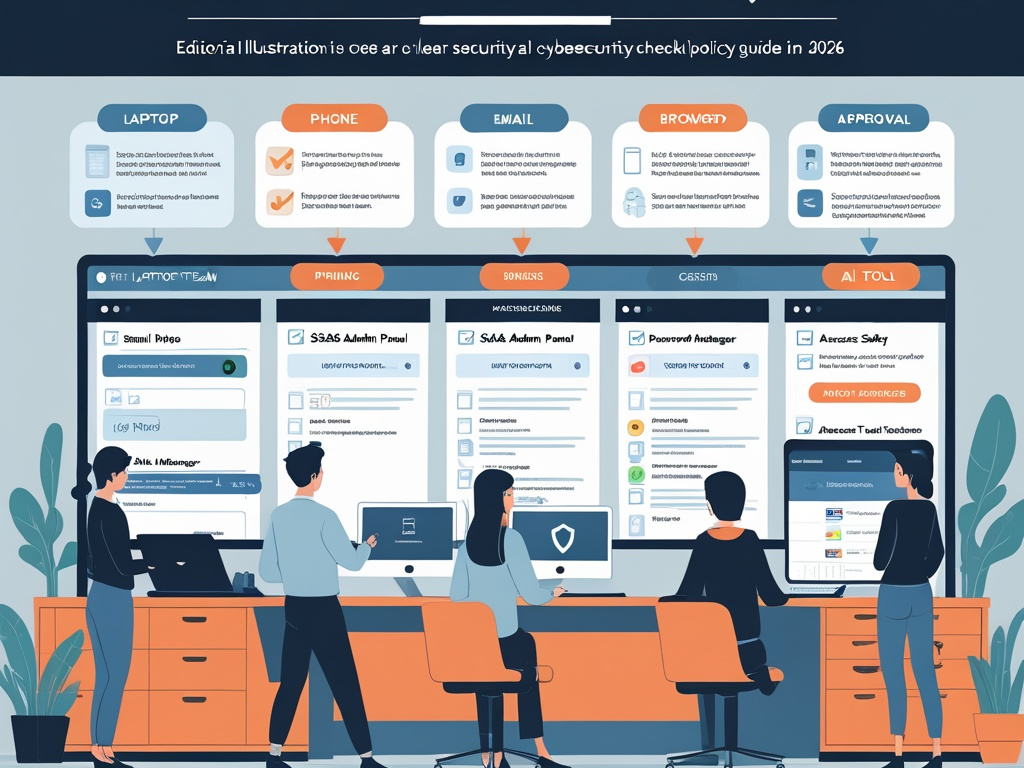
Most small business security policies are too long, too vague, or too detached from how people actually work.
They say things like "use technology responsibly" or "protect company information" without explaining what an employee should do when a file-sharing link looks odd, a password reset lands in the inbox, an AI tool asks for document access, or a contractor wants to join the team chat right away. That kind of policy may satisfy a checkbox. It does not help much on a busy Tuesday.
That is why a useful small business cybersecurity policy in 2026 should read more like an operating guide than a legal warning. Employees need a short set of durable rules that match real work across email, browsers, mobile devices, SaaS apps, password managers, and AI tools.
Key Takeaway: The best small business cybersecurity policy is not the longest one. It is the one employees can remember, managers can reinforce, and administrators can actually support with real settings.
Why the old policy style breaks down
Small businesses now run on a wider trust surface than they did a few years ago.
One employee may handle work through:
- a laptop and phone
- Microsoft 365 or Google Workspace
- half a dozen SaaS tools
- a browser full of sessions and extensions
- a password manager
- AI assistants connected to meetings, notes, or documents
- shared folders, e-signature tools, and chat platforms
If your policy still reads like it only covers office desktops and email attachments, it is already behind.
That is also why this topic now belongs beside practical Hexon guidance on safe AI use at work, browser hygiene on work devices, business email security, and SaaS admin basics. A policy is useful only if it tells people how to behave across the systems where trust now actually lives.
What a small business policy should do
A good policy should answer three simple questions:
- What is allowed by default?
- What requires approval or verification?
- What should an employee do when something feels off?
If the document does not answer those clearly, employees will improvise. In security, improvisation usually means convenience wins.
1. Use approved work accounts and approved devices
Employees should know which accounts and devices are allowed to touch company systems.
That means the policy should say plainly:
- work happens through approved company accounts
- shared credentials are not an acceptable shortcut
- personal email should not be used for business files or resets
- unapproved personal devices should not become the default work environment
This rule matters because access sprawl usually starts with small exceptions that quietly become normal.
2. Require MFA, then explain what to do when prompts look wrong
Policies often say MFA is required and stop there.
That is incomplete. Employees also need to know:
- which MFA method the company expects them to use
- where backup codes should live
- who to contact if a device is lost
- what to do if repeated approval prompts appear unexpectedly
This overlaps with MFA prompt fatigue at work. A policy should not only require the control. It should explain the safe behavior around the control.
Common Mistake: Companies require MFA but never tell employees that an unexpected approval prompt may be the first sign of a phishing attempt or account takeover attempt.
3. Keep work browsing inside a cleaner, safer lane
For many teams, the browser is now the real workplace.
Your policy should set a few plain rules:
- use the approved browser or managed browser profile for work
- do not install random extensions just because they seem helpful
- do not stay signed into sensitive business tools from shared or family devices
- pause when a link unexpectedly leads to a login page
This is not just a technical hardening issue. It is an everyday trust issue. Employees do not need to understand every browser threat in detail. They do need a rule they can follow under pressure.
4. Put clear limits on AI tools and browser-based assistants
By now, most employees can reach an AI assistant in seconds.
That means your cybersecurity policy should answer:
- which AI tools are approved
- what kinds of company data cannot be pasted into them
- whether AI browser extensions are allowed
- who reviews new AI tool requests
- whether customer, financial, HR, legal, or source-code data needs separate restrictions
This does not need to sound hostile. It does need to sound specific. "Use AI responsibly" is too vague to govern anything.
5. Make phishing defense about risky actions, not only suspicious wording
Employees should not be asked to become amateur forensic analysts.
Instead, the policy should teach a simpler standard. Slow down and verify when a message asks you to:
- log in again
- open a shared document
- approve an MFA prompt
- change payment details
- buy gift cards
- share employee or customer data
- bypass normal approval flow
This approach works better because modern phishing is often clean, polite, and believable. The risky part is usually the requested action, not the grammar.
6. Give finance, HR, and operations stricter rules than everyone else
Not every employee should follow the exact same verification standard.
If someone handles invoices, payroll, access resets, vendor records, or executive scheduling, the company should define extra steps such as:
- payment changes require out-of-band verification
- direct-deposit changes require a second check
- privileged access resets need a documented owner
- sensitive exports require confirmation before sending
This is a good place for a policy to be uneven on purpose. High-impact roles should have tighter rules because the business consequences are larger.
7. Keep company files inside approved sharing paths
File-sharing confusion creates a lot of quiet exposure.
Employees should know:
- which storage and sharing tools are approved
- when public links are acceptable and when they are not
- how long temporary file access should stay open
- whether personal cloud drives can be used for work files
This works best when the rule is realistic. If the approved path is painful, employees will route around it. That is why policy and workflow design need to support each other.
8. Do not let SaaS signups and permissions drift without ownership
Small businesses often lose control of security through normal app adoption, not dramatic breaches.
The policy should set a baseline like this:
- new work apps need an owner
- high-risk permissions need review before approval
- admin access should be limited
- OAuth connections should not be granted casually
- former employees and contractors should not stay attached to tools after they leave
This keeps the policy tied to the same operational reality covered in shadow SaaS risk and vendor access risk. The real issue is not only which app got added. It is whether anyone owns the trust it receives.
9. Set a plain rule for personal devices and phones
Phones now carry email, chat, MFA, documents, and admin approvals.
That means the policy should define a minimum baseline for any device used for work:
- screen lock enabled
- updates applied
- lost-device reporting handled quickly
- work access removed when the role changes
- no casual handoff of a logged-in device to family or friends
This should be written in ordinary language, not only as a technical standard buried in IT documentation.
10. Tell employees exactly how to report something suspicious
Many policies fail right at the moment they matter most.
If a user clicks a strange link, sees an odd login page, notices a suspicious invoice change, or pastes something sensitive into the wrong tool, what happens next?
The answer should be short and obvious:
- report it through the phishing button, IT inbox, or security channel
- stop interacting with the message or page
- say what happened honestly and quickly
- do not worry about blame while the issue is being contained
Pro Tip: "I clicked and I am not sure" is the kind of message your policy should encourage, not punish.
11. Keep the policy short enough that managers can repeat it
One underrated test is whether a team lead can explain the policy in under five minutes.
If not, the company probably has a document, not an operating standard.
Managers should be able to reinforce the basics regularly:
- use approved tools
- verify unusual money or access requests
- keep work in the managed account and browser lane
- report mistakes quickly
- ask before introducing a new app or AI workflow
That repeated reinforcement usually shapes behavior more than a once-a-year training acknowledgment.
12. Review the policy whenever the company changes how it works
Policies age faster now because the tool stack changes faster.
Review the document when the company:
- adopts a new identity provider
- standardizes a password manager
- starts using an AI assistant
- adds contractors or offshore support
- changes file-sharing tools
- rolls out BYOD or hybrid work changes
The point is not constant rewriting. The point is making sure the policy still matches the actual environment.
A practical starter version
If your company needs a simpler baseline, start with twelve rules:
- Use approved work accounts, not personal accounts, for company systems.
- Do not share passwords or MFA devices.
- Keep work browsing in the approved browser or managed profile.
- Use the approved password manager for work credentials.
- Treat unexpected login pages and MFA prompts as suspicious.
- Verify any request that changes money flow, credential flow, or data flow.
- Use only approved AI tools for work and keep sensitive data out unless explicitly allowed.
- Keep company files in approved sharing tools.
- Do not install work-related apps or extensions without following the company process.
- Keep phones and laptops used for work updated and locked.
- Report suspicious messages, clicks, or data mistakes immediately.
- Ask before improvising around a control that seems inconvenient.
That is already more useful than a long policy full of abstract language.
Final takeaway
The point of a small business cybersecurity policy in 2026 is not to sound strict. It is to make safer behavior easier to recognize and easier to repeat.
If employees know which tools are approved, which requests require verification, how AI and SaaS access should be handled, and where to report mistakes, the policy starts doing real work. If it only exists to satisfy HR or procurement, it will fail exactly when the business needs it most.