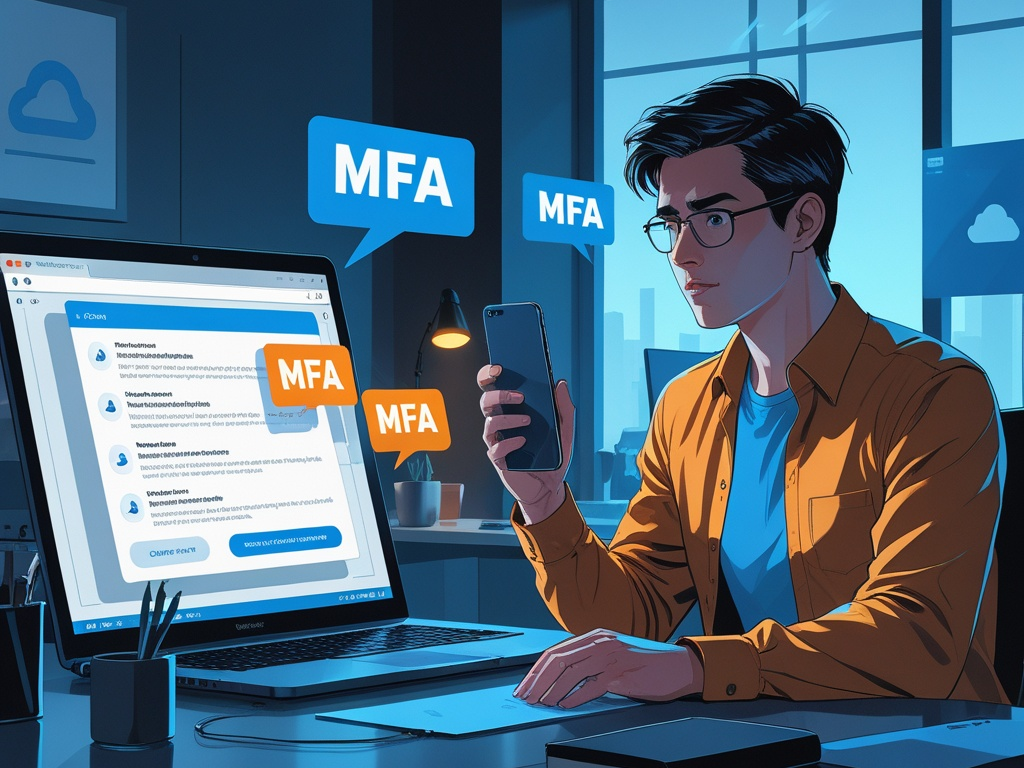
Multi-factor authentication still matters. The problem is that many teams now experience it as background noise instead of a real security checkpoint.
Employees approve sign-ins from phones while walking, traveling, switching between meetings, or clearing a stack of notifications before bed. Repeated prompts start to feel normal. That is how MFA prompt fatigue turns a good security control into a weaker one in practice.
This is a bigger work issue in 2026 because more business identity now runs through the same small set of approval surfaces: phones, smartwatches, browser prompts, and password-manager flows. When those signals become routine, users stop treating them like real trust decisions.
Key Takeaway: Most small teams do not need more MFA everywhere. They need better MFA choices, fewer noisy prompts, and clearer rules for what employees should do when a sign-in request appears unexpectedly.
Why MFA fatigue deserves attention now
Companies spent years pushing MFA adoption, and that was the right call. But adoption alone does not solve the operational problem.
The weak point is often not whether MFA exists. It is whether users can still distinguish a legitimate prompt from a bad one when:
- the login request arrives at an inconvenient moment
- the employee is used to frequent push approvals already
- multiple SaaS apps trigger sign-ins throughout the day
- password resets and new device enrollments happen quickly
- attackers deliberately create repeated prompts to wear someone down
This is why MFA fatigue sits slightly downstream from Hexon's recent companion coverage on password manager and MFA rollout, mobile device security, and business email security. The control exists. The question now is whether people are still using it carefully enough for it to work.
What MFA fatigue actually looks like at work
Teams sometimes picture the problem too narrowly as one classic push-bombing attack. The real pattern is broader.
MFA fatigue shows up when employees:
- tap approve because they assume the prompt belongs to something they opened earlier
- accept repeated requests just to stop the notifications
- reset a login from a phone without checking what triggered it
- treat password-manager or browser prompts as interchangeable with identity prompts
- ignore strange timing because the system is always noisy anyway
That is why the issue is part technical control problem and part workflow design problem. If sign-in is confusing, users will optimize for speed.
1. Reduce push prompts before you try to train people harder
Security teams often respond to MFA fatigue with more awareness reminders. That helps, but it is not enough if the sign-in experience remains cluttered.
Start by asking a few practical questions:
- which apps trigger the most repeated approvals
- which users re-authenticate too often during normal work
- which devices keep losing sessions
- whether browser profiles, VPN settings, or identity timeouts are creating unnecessary noise
- whether old accounts or stale app connections are still generating prompts
If your environment creates too many legitimate prompts, users will become less careful with all of them.
Common Mistake: Teams assume that more MFA interruptions automatically mean more safety. In reality, too much prompt volume can train users to approve first and think later.
2. Prefer stronger approval methods for high-value accounts
Not every MFA method carries the same resistance to fatigue and social engineering.
For the most important accounts, the better path is usually:
- passkeys where the platform supports them well
- hardware-backed security keys for privileged users
- number matching or context-rich approvals instead of blind yes-or-no pushes
- authenticator apps over SMS where stronger methods are not available
This matters because the highest-risk accounts are often the same ones most likely to be targeted repeatedly:
- email administrators
- cloud and SaaS admins
- finance approvers
- password-manager admins
- domain and DNS owners
If those roles are still relying on low-context push prompts, the company is asking the most rushed people to make the cleanest trust decisions.
3. Turn on number matching and context wherever you can
An MFA prompt should tell the user enough to decide safely.
The safest experience is not a silent pop-up with one big approval button. It is a sign-in request that gives context such as:
- a number the user must match
- device or browser details
- approximate location
- the application requesting access
- whether the sign-in came from a new device
That extra friction is useful. It slows down accidental approvals and makes attack traffic feel less routine.
If your identity stack supports number matching, location context, or better challenge details, use them for the accounts that matter most instead of leaving the default prompt experience untouched.
4. Teach one simple rule: unexpected prompt means deny and report
Employees do not remember ten MFA rules under pressure. They usually remember one.
The clean rule is:
If you were not actively signing in right now, deny the prompt and report it.
That sounds obvious, but teams still blur the message by overexplaining edge cases. Keep it direct. A user does not need to solve attribution in the moment. They only need to stop an unsafe approval.
Helpful supporting guidance includes:
- do not approve a prompt just because it came from a familiar app
- repeated prompts are a warning sign, not a reason to give in
- if a prompt follows a suspicious email or text, assume the events are related
- if unsure, open a fresh known-good path and sign in deliberately instead of trusting the prompt
Short rules survive better than dense training decks.
5. Separate daily user MFA from admin and recovery authority
Many small teams protect an account with MFA, then overlook who can reset or re-register that MFA method.
That is dangerous because account recovery is part of the same trust boundary. Review:
- who can reset MFA for employees
- which help desk or admin roles can bypass normal enrollment
- whether backup codes exist and where they are stored
- whether departed staff still control a recovery phone number or device
- whether a shared mailbox can intercept the reset path
This is where a lot of security programs look stronger on paper than they really are. A phishing-resistant daily login does not help much if the recovery path is informal.
6. Be stricter about MFA on phones and wearables
The phone is now the main approval surface for many companies. That means mobile habits affect identity quality directly.
Reduce easy mistakes by setting a few boring but high-value rules:
- require a real screen lock on phones used for MFA
- keep approved authenticator apps updated
- review which employees use personal devices for the most sensitive approvals
- avoid approving high-risk admin changes from a watch or lock-screen prompt alone
- re-evaluate old trusted devices after phone replacement or role changes
This overlaps with mobile device security for a reason. If the phone carrying MFA is weak, the identity stack is weaker than it looks.
7. Watch for sign-in patterns that create pressure
Prompt fatigue is often a symptom of a messier access pattern underneath.
Look for cases where:
- employees sign in to too many apps every morning
- shared accounts trigger prompts for several people
- contractor access remains active longer than needed
- browser extensions or third-party integrations keep generating re-authentication
- session timeouts are inconsistent across the same workflow
The fix is not always user training. Sometimes the fix is cleaning up the environment so fewer ambiguous prompts exist in the first place.
This is also why the topic connects to shared accounts at work and vendor access risk. Weak identity design creates noisy human behavior later.
8. Give admins and finance users a different standard
Most organizations should not protect every account exactly the same way.
For higher-risk roles, raise the bar intentionally:
- require phishing-resistant MFA where available
- avoid SMS for anything tied to money, domains, or tenant-wide admin
- use dedicated browser profiles for admin work
- document what happens after a suspicious prompt event
- review whether those users are receiving prompts too frequently already
If a role can move money, change DNS, reset company-wide authentication, or administer the password vault, convenience should lose.
9. Practice the response path after a suspicious prompt
Employees are more likely to report strange MFA activity if they know what happens next.
The response flow should be simple:
- Deny the prompt.
- Report it immediately.
- Review recent sign-in logs if available.
- Reset the password, session, or MFA registration if the event looks credible.
- Check whether the user clicked a phishing link or exposed a token just before the prompts started.
The point is not creating panic around every denied push. It is removing hesitation. A user should never wonder whether reporting a suspicious prompt is overreacting.
Pro Tip: Treat repeated unexpected MFA prompts as a signal to inspect the surrounding workflow, not just the single account. The real issue may be phishing, password reuse, stale sessions, or an over-broad admin path elsewhere.
10. Make MFA fatigue part of onboarding and offboarding
This topic should not live only in annual awareness training.
Include it when:
- onboarding new employees to core apps
- enrolling phones or passkeys
- assigning admin roles
- changing who owns finance or IT workflows
- offboarding staff and reviewing trusted devices
That is how teams keep the issue operational instead of theoretical.
A practical 30-day reset for small teams
If your company already uses MFA widely but still sees risky approval behavior, use a short reset:
Week 1
- identify the accounts and apps generating the most prompts
- turn on number matching or richer approval context where possible
- define the one-sentence rule for unexpected prompts
Week 2
- review admin, finance, email, and password-vault MFA methods
- move higher-risk roles toward passkeys or hardware-backed methods
- check backup codes and recovery ownership
Week 3
- clean up stale devices, shared accounts, and unnecessary app connections
- review phone baselines for users who approve sensitive sign-ins
- document the suspicious-prompt response flow
Week 4
- reinforce the rule in onboarding and team reminders
- test whether employees know where to report prompt abuse
- review whether prompt volume dropped after cleanup
That is not a glamorous project. It is still one of the most practical ways to make identity controls behave the way the policy says they already do.
Final takeaway
MFA fatigue is what happens when a security control stays technically present but loses clarity in daily use.
Small teams do not need to give up on push-based MFA overnight. They do need to reduce noisy prompts, use stronger methods for the accounts that matter most, tighten recovery paths, and teach employees that an unexpected prompt is a security event, not a minor interruption.
The goal in 2026 is not just more authentication. It is more deliberate authentication.