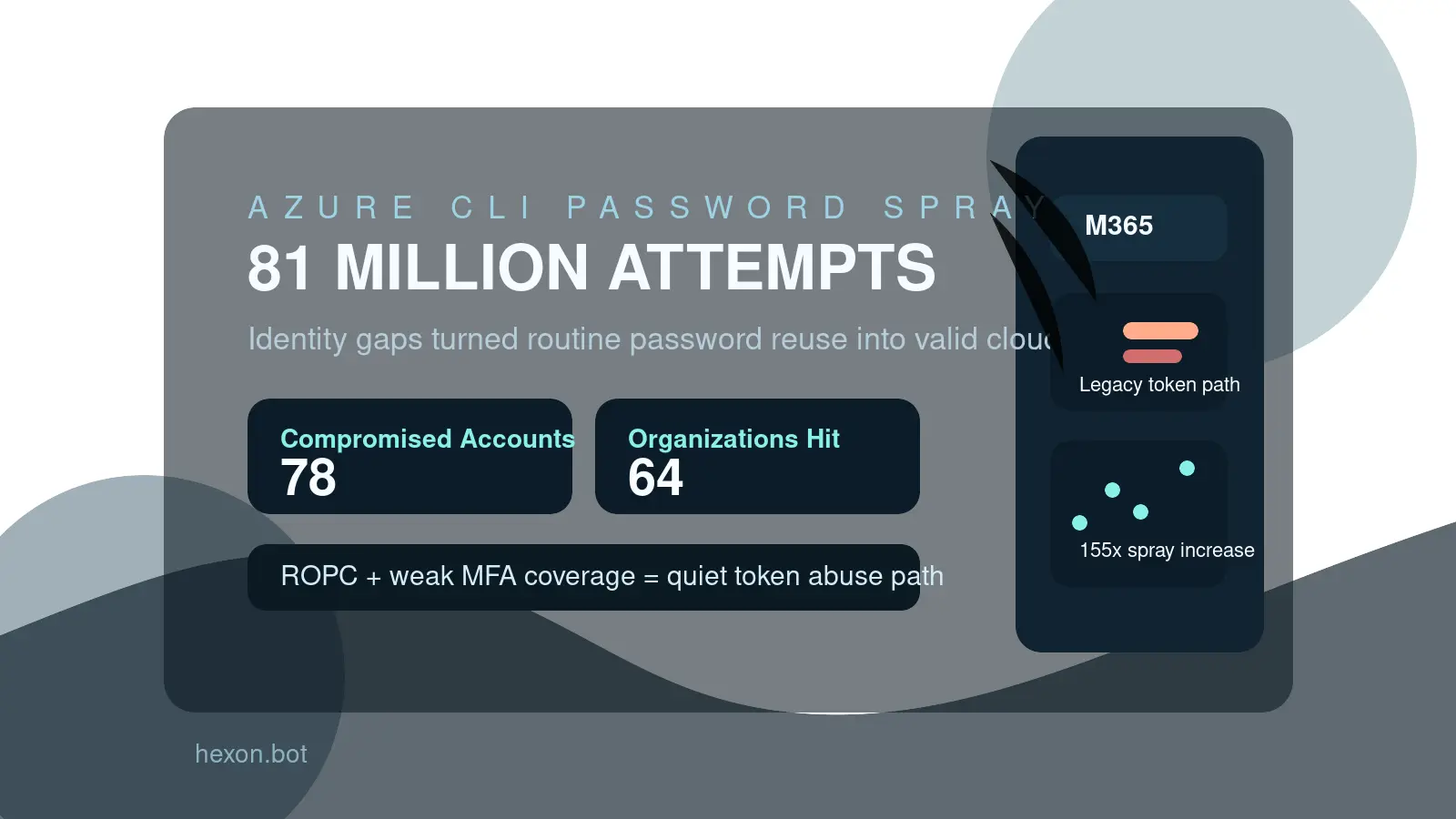
Azure CLI password spray moved from background noise to a same-day priority on July 1, 2026, when The Hacker News reported fresh details from Huntress on a campaign that drove more than 81 million login attempts and compromised at least 78 Microsoft accounts across 64 organizations. That July 1 publication date is the freshness gate for this post. Huntress' June 30 research is essential supporting context, but the July 1 public report is the main hook.
The numbers are large, but the lesson is straightforward. This was not a flashy zero-day and it was not a new bypass built out of exotic malware. It was a password spray campaign that found real value in older auth paths, inconsistent MFA enforcement, and organizations that still left too much identity trust hanging off routine cloud tooling.
Key Stat: Huntress says the attackers made 81 million login attempts between June 12 and June 26, with 23 businesses compromised on June 22 alone and credential spray volume rising more than 155x across its customer base over the past six months.
Why the Azure CLI password spray matters now
Plenty of teams still hear "password spray" and assume the fix is obvious: turn on MFA and move on.
This story is more useful than that. The campaign targeted Azure CLI access tied to Microsoft 365 environments, then leaned on the OAuth Resource Owner Password Credentials flow, or ROPC, to validate stolen credentials and mint user-delegated tokens. That turns the incident from a generic brute-force story into an identity-policy story.
It also matters because Azure CLI access is not some niche side channel. In many organizations, it sits close to scripts, automation, administration, and privileged cloud operations. Microsoft explicitly notes in its guidance that Azure Resource Manager actions are highly privileged, which means weak identity controls around command-line access can become much more damaging than a simple mailbox login issue.
For Hexon readers, the pattern fits a broader point already visible in posts on MFA prompt fatigue at work, account recovery security, OAuth app security, and admin access at work. The real problem is rarely "someone signed in." It is that the organization quietly allowed a risky sign-in path to keep real authority.
Key Takeaway: The Azure CLI angle matters because the attackers were not only testing passwords. They were testing whether old identity assumptions still had access to modern cloud power.
How the campaign worked
The reported attack chain is simple enough to understand and serious enough to demand action.
According to Huntress, the threat actor relied on compromised password combo lists and launched a large, automated spray campaign from infrastructure linked to LSHIY. The campaign focused on Azure CLI authentication and attempted enough logins to turn weak policy edges into usable footholds.
ROPC turned a password check into a token problem
This is the technical detail that deserves the most attention.
Per Huntress, the attackers used the OAuth ROPC flow to validate credentials. Microsoft's own ROPC documentation explains why that matters: the flow sends the password directly to the token endpoint and does not support modern authentication protections like MFA or SSO in the way most teams expect from normal interactive sign-in.
That means a tenant can believe it has "MFA on" while still leaving a route where the right username and password produce a useful token without the normal interactive challenge. In practice, that turns password spraying into something more than noisy login failure telemetry. It becomes a path to legitimate cloud sessions.
Why MFA still failed in some environments
One of the most important findings is that MFA was not absent everywhere. It was often incomplete, scoped too narrowly, or never fully enforced.
Huntress says some affected organizations had MFA only for selected user groups, only for non-trusted locations, or configured without comprehensive enforcement. Eight businesses reportedly had no MFA policy at all. That mix is common enough to be uncomfortable, especially in growing organizations where policy evolved through exceptions rather than design.
The result is a familiar security failure mode: the organization believed it had a control, but the attacker found the path where the control did not really apply.
Common Mistake: Treating MFA as a box checked at the tenant level instead of a policy that must be validated against every auth flow that still matters.
What this reveals about Microsoft 365 identity hygiene
The reason this story is worth publishing is not only the size of the campaign. It is the quality of the lesson.
Many businesses still run identity security as a set of partial upgrades. They enable MFA for admins, leave older auth assumptions around for legacy workflows, trust conditional policies they have not tested recently, and assume cloud tooling inherits the same guardrails as browser sign-ins. That gap is where campaigns like this keep paying off.
There are at least four identity hygiene problems visible here.
- Password reuse still matters. Spray attacks only work because real people still reuse weak or previously exposed passwords.
- Policy sprawl creates blind spots. Security controls that depend on group exclusions, location exceptions, or forgotten legacy settings drift over time.
- Command-line access is often under-modeled. Teams spend more time thinking about user mailbox access than about tokens tied to cloud tooling and scripts.
- Privileged work is not isolated enough. If the same identity handles everyday collaboration and meaningful cloud administration, the blast radius is too large.
This is why practical posts like small business cybersecurity policy matter even when the headline topic is cloud identity. Most compromises still begin with uneven basics, not science-fiction adversaries.
What defenders should fix this week
This campaign gives defenders a short, concrete response list.
1. Audit whether ROPC is still reachable
If your environment still allows workflows that depend on ROPC, you should know exactly where and why. If there is no justified business need, remove it.
This is not glamorous work, but it matters. Old auth paths outlive the projects that created them, and attackers keep finding value in that neglect.
2. Validate MFA against real sign-in paths, not only dashboards
Do not trust the tenant overview screen by itself.
Test whether MFA covers the applications, protocols, and user populations that actually matter. A policy that protects browser sign-in but leaves command-line token issuance or legacy app paths exposed is not complete enough.
3. Reduce who can use high-impact cloud tooling
Not every employee needs Azure CLI access, and not every Azure CLI user needs the same scope.
Review who can authenticate to high-value administrative tooling, what roles they hold, and whether that access belongs on the same identity they use for normal collaboration. This aligns directly with stronger admin access practices.
4. Hunt for weak passwords and reused credentials proactively
Password spraying succeeds because at least some credentials eventually match.
That means password hygiene still matters even in organizations that prefer to think only in terms of conditional access and phishing-resistant MFA. If password reuse remains common, the attacker keeps getting chances.
5. Review conditional access exceptions and trusted-location logic
The phrase "trusted location" often becomes a security placebo.
If your policies are looser on certain networks, inherited from old office assumptions, or scoped differently by group, verify that the risk tradeoff is still real and intentional. Remote and hybrid work changed the environment. Many old exceptions did not age well.
Pro Tip: A good identity review asks, "Which path would still work for a stolen password?" not just "Which controls do we think are enabled?"
How small teams can lower Azure CLI password spray risk without a giant project
Smaller organizations do not need a months-long identity transformation to improve this class of risk.
They do need a disciplined short list.
- Remove unused cloud admin accounts and stale privileged roles.
- Separate standard user identities from privileged administrative identities.
- Enforce stronger MFA coverage across all relevant sign-in flows.
- Review which users truly need Azure CLI or broader Azure administrative access.
- Eliminate legacy exceptions that exist only because nobody revisited them.
- Make password reset and recovery handling as deliberate as primary sign-in controls.
If you are the kind of team that grew fast and added policy in layers, start with the boring questions:
- Who can sign in to cloud administration tooling today?
- Which of those accounts also hold email, file-sharing, or finance access?
- Where does MFA not apply the way leadership assumes it does?
- Which old workflows would break if you finally removed weak auth paths?
Those answers are often more valuable than adding another security product.
This is also where account recovery security and OAuth app security connect back in. Attackers do not care which identity edge is easiest. If passwords, recovery, tokens, and delegated app trust are all handled loosely, they will use whichever path demands the least effort.
What this campaign says about the next year of cloud attacks
There is a reason password spraying keeps surviving every round of "modern identity" messaging.
It scales, it is cheap, and it finds the places where organizations modernized only halfway. Attackers do not need every tenant to be weak. They need enough tenants to have a few users with reused passwords, a few old policy gaps, and a few powerful workflows still tied to those identities.
The Azure CLI detail makes this even more instructive. When command-line access, token issuance, and privileged cloud actions are in play, the impact can move quickly beyond account nuisance into operational control.
That is why this story should not be filed under "commodity attack, nothing new." The novelty is not the spray itself. The novelty is the reminder that cloud-era identity failures still produce old-fashioned wins for attackers when security programs leave just enough legacy behavior in place.
Final takeaway
The main freshness anchor for this post is The Hacker News on July 1, 2026, which brought Huntress' findings into same-day public reporting. Huntress' June 30 research and Microsoft's older documentation on ROPC are supporting context, not the freshness gate.
For defenders, the practical lesson is clear. Azure CLI password spray is not only a story about weak passwords. It is a story about whether your Microsoft 365 and Azure identity policies actually cover the routes attackers can still use.
If your environment still has older token paths, partial MFA enforcement, and privileged cloud access tied to everyday identities, then a stolen password is still more powerful than leadership probably thinks. That is the blind spot worth fixing now.