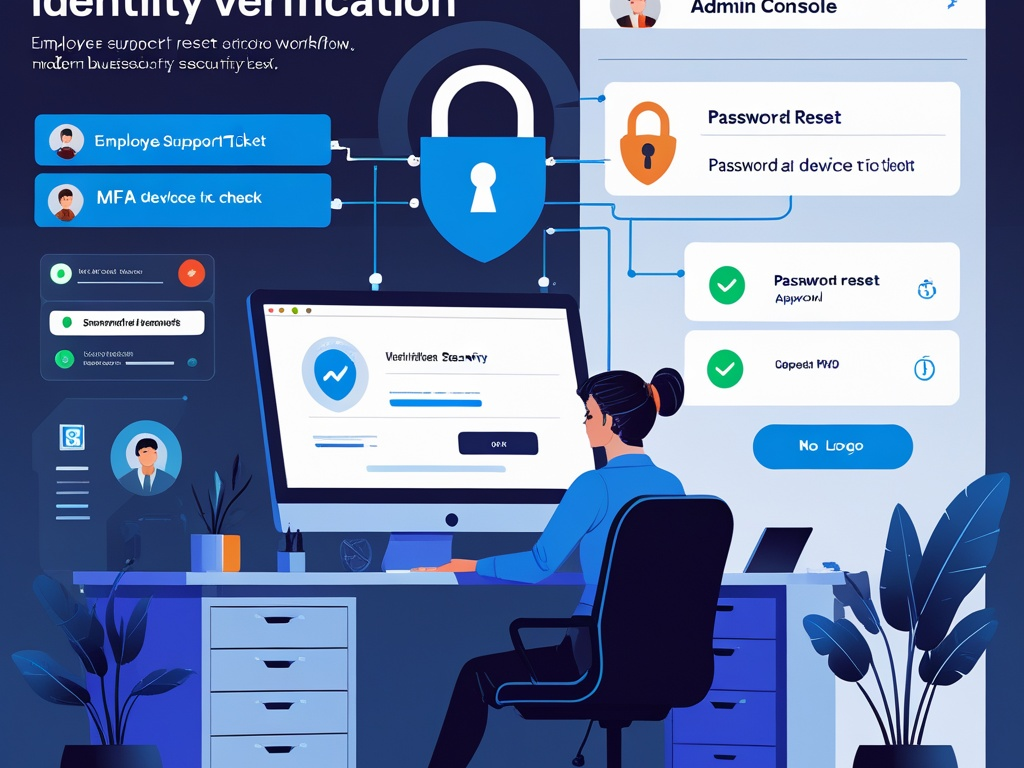
Most small businesses do not lose control because the attacker broke their strongest login screen.
They lose control because somebody on the inside was trying to be helpful.
An employee says they changed phones and cannot get their MFA codes. A manager needs a password reset before a client call. A contractor says the VPN is blocking them and asks for a temporary exception. A finance user says their email is locked and payroll needs to go out now. In the moment, those requests sound operational, not security-critical.
That is exactly why help desk identity checks matter in 2026. The support workflow has become one of the easiest places for a rushed team to override its own defenses. Password resets, MFA re-enrollment, new-device approval, mailbox access, and emergency admin actions all create opportunities for impersonation if the verification step is weak.
Key Takeaway: If your support process can be pushed around by urgency, familiarity, or partial personal details, then your identity controls are weaker than they look on paper.
Why this matters more now
Modern work puts more trust into support and recovery flows than many teams realize.
A single successful help desk interaction may let someone:
- reset a password
- enroll a new MFA device
- change a recovery email or phone number
- regain access to a locked mailbox
- restore access to a password manager
- approve access to a cloud admin tool
- bypass the normal approval path "just for today"
In a smaller organization, the person handling that request may be an MSP technician, an internal IT lead, an office operations manager, or simply the teammate who knows how the admin dashboard works. That reality is normal. The problem is not who handles support. The problem is whether the identity check is deliberate enough to stand up under pressure.
This is also why the topic belongs beside Hexon's recent practical posts on account recovery security, phishing defense for non-technical teams, admin access at work, and business email security. Different workflow, same pattern: trust quietly expands through the exception path.
The mistake most teams make
They verify the story, not the identity.
An attacker often does not need deep technical skill here. They need confidence, timing, and a believable reason for the request. If they already know the employee's name, job title, manager, vendor, phone number, or recent travel schedule, the request can sound legitimate enough to push past an informal process.
Weak verification often looks like:
- trusting the caller because they know company details
- accepting a request from a new phone number without a second check
- treating email possession as identity proof for high-impact changes
- resetting MFA because the person sounds stressed
- approving access through chat because the manager is "probably in meetings"
- using one soft question that can be answered from LinkedIn or prior breaches
- skipping documentation because the issue feels routine
None of that feels dramatic at the time. It just feels efficient. But once the help desk path becomes easier than the sign-in path, the attacker will choose the help desk path.
The practical verification checklist
Small teams do not need a giant call center script. They do need a short, repeatable standard that covers the requests most likely to change identity or access.
1. Define which requests are high risk before they happen
Not every support issue deserves the same level of friction.
Create a short list of requests that must trigger stronger identity checks:
- password resets
- MFA reset or new-device enrollment
- recovery email or recovery phone changes
- privileged role activation
- mailbox delegation or forwarding changes
- password manager vault recovery
- VPN or remote-access exceptions
- new device registration for work apps
- emergency access to finance, HR, or admin systems
If the team does not label these requests clearly, people will improvise in the moment.
2. Never rely on a single factor that the requester controls
If the user contacted support from the same phone number, email address, or chat account they want restored, that is not enough by itself.
A safer standard is to require a second verification step through a different path. Examples include:
- a callback to the number already on file
- confirmation through the employee's manager for certain changes
- approval inside an existing authenticated session
- verification through an approved identity tool or HR record
- an in-person or video check for especially sensitive resets
The key point is simple: do not let the requester choose the only proof you trust.
3. Match the verification method to the impact of the request
A basic software question is not the same as an admin reset.
For low-risk support:
- normal ticket handling is fine
- ordinary authenticated chat may be enough
For medium-risk identity actions:
- require a second channel
- verify against internal records
- log who approved the change
For high-risk actions affecting privileged accounts, recovery settings, payroll, finance, or executive mailboxes:
- require stronger proof
- involve a second reviewer
- avoid same-call or same-message approval when possible
This keeps the process proportionate. Good support is not about maximum friction. It is about putting friction where the blast radius is real.
4. Write down exactly which data points are acceptable for verification
Vague standards collapse under pressure.
Do not tell staff to "use judgment" and assume the result will be consistent. Define which checks are approved and which are not.
Examples of weak identity proof:
- job title
- birthday
- office location
- manager name
- last four digits of a public phone number
- email signature details
- project names visible on social media
Examples of stronger verification options:
- callback to a previously registered number
- approval in a currently authenticated corporate session
- confirmation from a known manager via approved internal channel
- device-based confirmation through the identity platform
- documented HR or admin record match that the requester cannot self-edit
Strong verification is less about secret trivia and more about using a trustworthy path.
5. Separate urgency from authorization
Attackers love deadlines because deadlines make people cut corners.
Create one rule that everybody understands: urgent does not mean unverified.
If payroll is due, if a founder is traveling, if a sales rep is about to join a customer call, the support team may absolutely prioritize the request. What they should not do is downgrade the identity check because the user sounds impatient.
That means:
- keep an escalation lane for urgent issues
- keep the verification standard inside that lane
- document who overrode timing, if timing really had to be overridden
Urgency may change the queue. It should not change who gets trusted.
6. Put MFA resets and recovery changes behind stricter rules than password resets
Many teams still treat MFA resets as routine cleanup. They are not routine.
If an attacker can attach their own device, recovery email, or recovery phone number, they may not need the original password at all.
For MFA and recovery actions:
- require stronger proof than for ordinary troubleshooting
- log the old and new recovery path where appropriate
- notify the account owner through a separate channel
- consider a waiting period for the most sensitive changes
- review whether the account has privileged access before approving the reset
This is one reason account recovery security deserves attention. The reset path is often the real control plane.
7. Use named ownership for approvals
"IT approved it" is not an approval record.
For higher-impact requests, capture:
- who requested the change
- who verified identity
- which method was used
- who approved the action
- when the change happened
- what exactly changed
That record helps in three ways. It makes the team more careful in the moment, it speeds incident response later, and it creates a process you can actually improve.
8. Treat vendor and contractor support requests as a separate risk class
External support is where a lot of trust gets blurred.
If an MSP, software vendor, consultant, or contractor needs help with access, verification should not depend on whoever happens to answer first. Use the same discipline you would for internal high-risk users, plus:
- confirm the individual is still assigned to the account
- verify the request against the contract owner or internal sponsor
- check whether the access should still exist at all
- avoid shared credentials as a shortcut
This overlaps directly with vendor access risk. A third party does not become low risk just because they have helped before.
9. Build a "no verification, no change" default
Teams need a safe script for uncomfortable moments.
Give support staff a clear line they can use without sounding confrontational:
"I can help with this, but I need to complete the identity check through the approved process before I change access."
That one sentence matters because it turns security from a personal judgment call into normal operating policy.
If the culture expects staff to "be helpful first and clean it up later," weak resets and social engineering will keep coming back.
10. Notify users when sensitive identity changes happen
Good notification catches both mistakes and attacks.
Send an alert through an independent channel when there is:
- a password reset
- an MFA device change
- a recovery method update
- a new device enrollment
- a mailbox delegation change
- a privileged role activation
The goal is simple. If the legitimate user did not ask for the change, they should have a chance to raise the alarm quickly.
11. Test the process with a few realistic scenarios
Most teams test backups more often than they test identity verification.
Run a short tabletop or spot check around scenarios like:
- an employee who lost their phone before a flight
- a contractor who says their old laptop was wiped
- a finance lead asking for urgent MFA bypass
- a founder requesting access from an unfamiliar number
- a former employee trying to regain access through a shared mailbox or vendor contact
If the process falls apart in practice, that is useful information. Better to discover that in rehearsal than during an incident.
A simple policy small teams can actually use
If your team wants a lightweight starting point, this is enough:
- List the support requests that can change identity or access.
- Require a second verification path for those requests.
- Require a second reviewer for privileged or finance-related changes.
- Log the requester, verifier, method, and action.
- Notify the real account owner after sensitive changes.
That is not enterprise bureaucracy. It is basic control over the moments where people are most likely to make an expensive exception.
Common failure patterns worth fixing first
If you only have time to improve a few things this week, start here:
- remove any process that resets access from an inbound message alone
- tighten MFA reset handling for admin and finance users
- stop treating familiar names as proof of identity
- define who can approve high-impact recovery changes
- review contractor and vendor support workflows for stale trust
- make sure shared inboxes are not part of the recovery path
Those changes often do more good than another round of awareness slides.
Final takeaway
In 2026, the help desk is not just a support function. It is part of the identity perimeter.
If your company protects sign-in well but allows rushed password resets, informal MFA re-enrollment, or undocumented recovery changes, then the attacker does not need to beat the front door. They just need to find the side entrance where someone is trying to be helpful.
The practical goal is not to make support cold or bureaucratic. It is to make sure identity-changing requests are verified through a process stronger than a believable story.