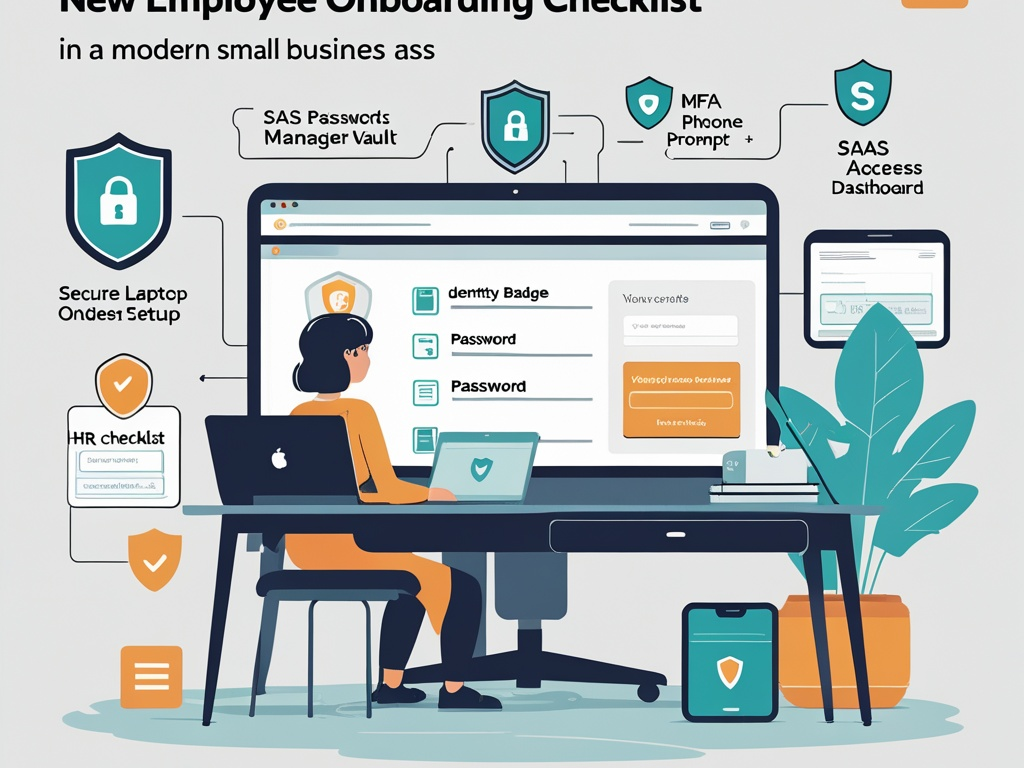
New hires create a security decision on their first day, whether the company treats it that way or not.
In a small or growing business, onboarding often moves fast for good reasons. The team needs the new person productive. The manager wants email, chat, files, CRM access, project tools, and maybe one or two AI assistants working before lunch. HR wants paperwork done. IT, if there is an IT function at all, is trying to keep up without slowing everything down.
That is exactly why cybersecurity onboarding deserves more attention in 2026. The average employee now starts with a browser full of SaaS tools, a phone full of MFA prompts, cloud files that may contain customer data, and AI features embedded into normal work. If the setup is rushed, the business does not just create inconvenience. It creates stale access, weak recovery paths, overshared data, and cleanup problems that stay hidden until an incident or departure exposes them.
Key Takeaway: Good onboarding is not about making new employees paranoid on day one. It is about giving them the right accounts, devices, defaults, and habits before workarounds become permanent.
Why onboarding risk feels bigger now
The first-week access footprint for many employees is wider than it used to be.
A new hire may need:
- email and calendar
- chat and video conferencing
- file storage and collaboration
- CRM, ticketing, HR, payroll, or finance systems
- a password manager
- MFA across several apps
- browser-based admin or support workflows
- AI assistants or copilots connected to internal business data
That means onboarding is no longer only an HR task plus one laptop handoff. It is an identity, SaaS, browser, and data-governance event compressed into a few rushed hours.
This is also why the topic fits beside recent Hexon companion coverage like password manager and MFA rollout, safe AI use at work, SaaS admin basics, and shadow SaaS. The same pattern keeps showing up: access gets granted faster than ownership and guardrails are defined.
What bad onboarding usually looks like
Most onboarding failures are not dramatic. They look ordinary:
- the new employee gets broad access because nobody had time to scope it
- a manager shares a password temporarily and never replaces it
- MFA gets tied to the wrong phone or a personal recovery channel
- the approved toolset is unclear, so the employee improvises with personal apps
- an AI feature gets enabled before anyone explains what data should not be pasted into it
- the laptop is encrypted, but the browser profile, extension list, and update policy are inconsistent
- offboarding later becomes messy because nobody remembers exactly what was granted
None of that sounds exotic. That is the problem. Small weaknesses introduced during onboarding tend to look reasonable in the moment.
Common Mistake: Teams think of onboarding as a speed problem first and a security problem second. In practice, the first week often determines whether later access is clean, auditable, and easy to revoke.
The practical checklist
You do not need an enterprise IAM program to improve this. You need a repeatable baseline that reduces improvisation.
1. Start from role-based access, not from whatever the last employee had
The fastest way to create onboarding debt is cloning access from a loosely similar user and hoping it is close enough.
Instead, define a short baseline per role or function:
- core communication tools
- essential business apps
- systems that require approval before access
- admin privileges that should stay separate
- AI tools that are approved, restricted, or disallowed
This does not need a giant matrix. Even a one-page role baseline is better than copying the previous person's setup and cleaning up later.
If a new hire needs extra access outside the baseline, treat that as an explicit exception, not the default starting point.
2. Make the identity account the first dependency, not the last
Too many teams still create SaaS accounts ad hoc and only later connect them back to central identity.
In 2026, the safer sequence is usually:
- create the primary company identity
- enroll MFA with the right recovery path
- add the employee to the approved password manager or SSO flow
- grant app access through identity groups or managed invitations
- document anything that still cannot be centralized
This matters because everything becomes harder if the person starts with direct local accounts, scattered recovery methods, or personal email fallbacks. You want the identity layer to anchor the rest of onboarding from the first hour.
3. Get MFA right before the account starts accumulating trust
MFA setup is often technically completed but operationally sloppy.
Check a few basics:
- the employee is using the approved MFA method
- backup codes are stored in the approved way
- recovery does not depend on a manager's phone or a personal email
- high-value accounts do not fall back to weak SMS if stronger methods exist
- support knows how to handle a lost phone or reset without bypass chaos
This is where early mistakes become expensive later. An account can look secure on paper while still depending on a brittle recovery path.
4. Put the password manager into onboarding, not into a future cleanup project
New employees should not spend their first week inventing personal storage habits for business credentials.
If the company uses a password manager, onboarding should cover:
- installing or accessing the approved vault
- joining the right shared collections or folders
- saving new business logins there by default
- understanding which accounts must never be shared through chat or notes
- knowing where emergency or team credentials live
This reduces the odds that the employee creates the exact mess the company later tries to clean up in shared-account workflows.
If the company does not yet have an approved password manager, that is not a neutral decision. It means the onboarding process is already pushing people toward unsafe workarounds.
5. Give new hires the approved toolset before they improvise
A lot of shadow IT begins as onboarding confusion.
When a new employee does not know which tools are standard, they often fill the gaps themselves with:
- personal note apps
- file transfer tools
- AI meeting assistants
- browser extensions
- personal ChatGPT or Claude accounts for work tasks
- free project or whiteboard tools created outside company oversight
That is why onboarding should not only grant access. It should make the approved stack obvious.
The basics can be simple:
- which chat, docs, and file-sharing tools to use
- which AI tools are approved for work
- which browser profile or device setup is expected
- which apps require manager or admin approval
- where to ask before adopting a new tool
This is one of the cheapest ways to reduce shadow SaaS before it starts.
6. Separate standard work access from privileged access
Many growing companies blur this line because it feels convenient.
A new hire may need day-to-day access immediately. They usually do not need:
- global SaaS admin rights
- billing ownership
- tenant-wide security settings
- DNS access
- password manager super-admin status
- unrestricted export privileges
Even for technical hires, privileged access should be a deliberate second step with extra review. The business should know who approved it, why it was needed, and how it will be revisited.
Pro Tip: If you would be uncomfortable seeing the granted permissions on a departure checklist six months later, they were probably too broad for day one.
7. Standardize the browser and device setup, not just the accounts
Account provisioning gets attention. Browser state often does not.
But modern work happens inside the browser, which means onboarding should include:
- the approved browser or managed profile
- extension guidance or restrictions
- bookmark baselines for core work systems
- automatic update expectations
- screen-lock and device-encryption verification
- clear separation between personal and work profiles when possible
This reinforces the same practical themes covered in browser hygiene at work and endpoint hygiene. A secure login on an unmanaged or cluttered browser profile is still weaker than many teams realize.
8. Explain safe AI use before the first real prompt
If the company allows AI tools, the onboarding window is the right moment to set the boundary.
New hires should know:
- which AI tools are approved
- whether customer data, source code, HR data, or financial data can be pasted into them
- whether company AI settings disable training or retention by default
- who to ask when a use case is unclear
- when public AI tools should be avoided in favor of internal ones
This does not require a lecture. It requires plain rules.
The wrong pattern is letting an employee discover AI expectations through rumor after they have already used the tool on live work material.
9. Build a short first-week security briefing that people will actually remember
Most onboarding security education fails because it tries to compress too much theory into one sitting.
The better approach is a short, durable briefing around the actions that matter most:
- use the password manager
- complete MFA setup correctly
- keep work in approved apps and browser profiles
- ask before connecting new AI or SaaS tools
- report suspicious messages or odd login prompts quickly
- do not share credentials, even temporarily
Keep it concrete. New employees do not need a graduate seminar in threat modeling on day one. They need a short set of operating rules that fit the real tools they will use that week.
10. Treat onboarding documentation as part of the security surface
Old onboarding docs often contain exactly the wrong habits:
- stale admin links
- screenshots of outdated settings
- shared credentials that never should have been written down
- instructions that bypass the approved process because they were "temporary"
- references to former employees who still appear to own systems
Reviewing onboarding material periodically matters because process debt tends to survive in docs long after people stop talking about it.
If the onboarding guide still points people toward side channels, personal accounts, or old workflows, the company is reintroducing the same risks every time it hires.
11. Record what was granted so offboarding is not guesswork later
Good onboarding makes good offboarding easier.
That does not mean documenting every click. It means keeping enough record to answer:
- which core systems the employee was granted
- whether they received any exceptions or elevated roles
- which team vaults, groups, or shared resources they joined
- which managed device or browser setup they were assigned
- who approved anything outside the normal baseline
Without that record, later cleanup becomes a scavenger hunt across SaaS admins, managers, and chat history.
12. Run a quick review after the first week
Onboarding should not end the moment the employee can log in.
A short first-week review can catch issues like:
- access the employee still needs but never received
- access they received but do not actually need
- confusing MFA or password-manager setup
- unapproved apps they adopted to bridge workflow gaps
- browser or device drift from the intended baseline
This is one of the easiest ways to catch overprovisioning before it hardens into normal practice.
A realistic onboarding baseline for growing teams
If the company needs a simple operating model, keep it practical:
- create the company identity first
- complete MFA and recovery setup before broad app rollout
- give the employee the approved password manager and core SaaS stack
- keep privileged access separate from normal work access
- standardize browser and device expectations
- explain AI-use boundaries in plain language
- document exceptions and review access after the first week
That is already stronger than the ad hoc onboarding many small businesses still rely on.
Why this matters beyond the first week
Companies often think of onboarding as a people-operations task with a few technical steps attached. That framing is outdated.
In a SaaS-heavy, AI-assisted workplace, onboarding is one of the earliest places a business chooses between controlled access and accumulated ambiguity. It affects later security reviews, incident response, vendor risk, account recovery, shared credentials, app sprawl, and offboarding.
That is why this is worth treating as a living checklist rather than a one-time HR packet.
Final takeaway
The best cybersecurity onboarding checklist in 2026 is not the longest one. It is the one that gives new employees the right defaults early enough that they do not need to invent their own.
If identity, MFA, password storage, browser setup, approved apps, and AI boundaries are clear on day one, the business reduces a surprising amount of future risk. If those basics stay vague, the company starts accumulating security debt before the new hire has even finished setting up their bookmarks.