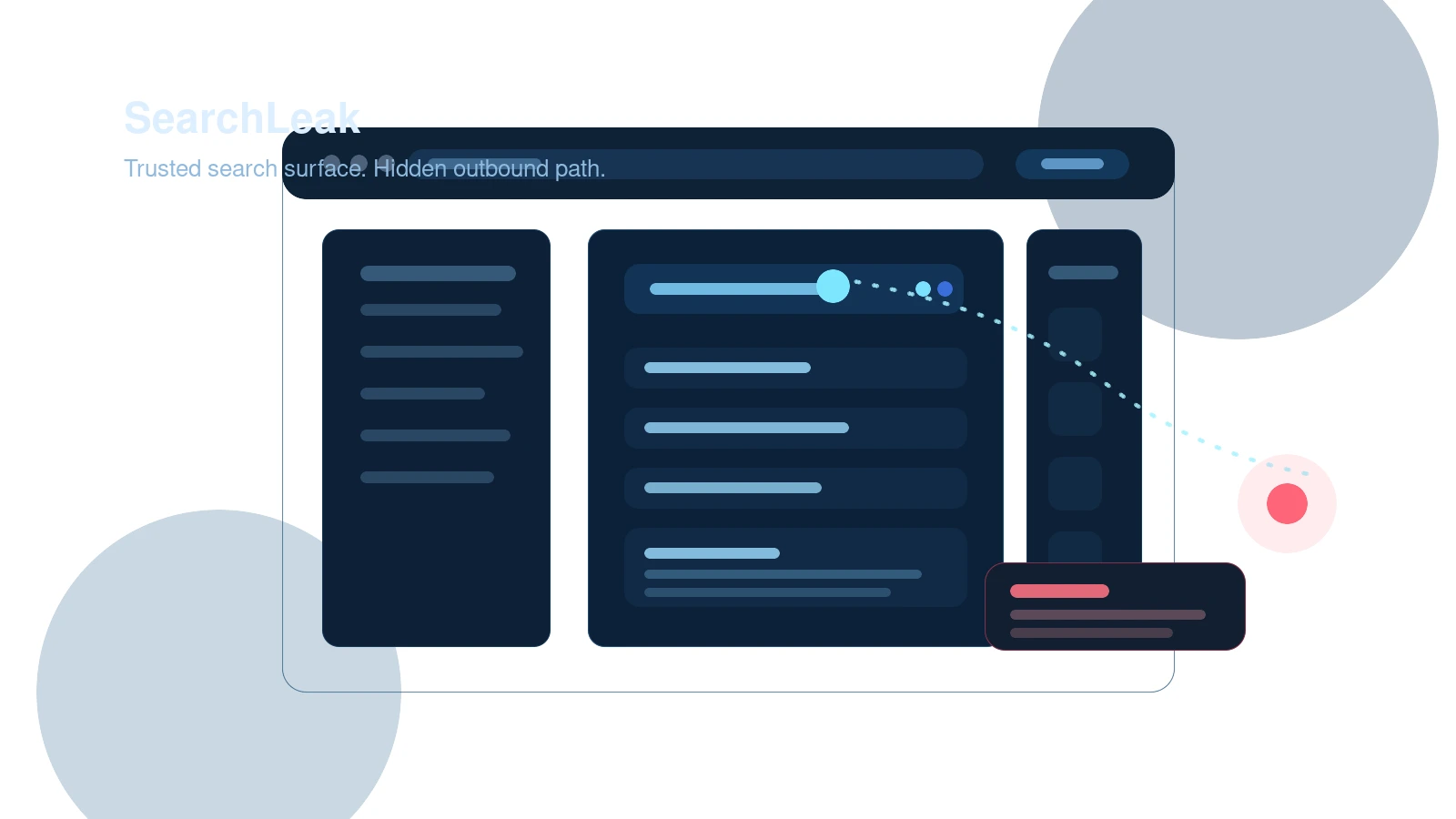
Microsoft 365 Copilot data theft is no longer an abstract AI security talking point. On June 15, 2026, fresh public reporting from BleepingComputer showed how the newly disclosed SearchLeak chain could turn a trusted Microsoft link into a one-click exfiltration path for mailbox content, meeting details, OneDrive files, and SharePoint data. That matters right now because many companies have treated retrieval-enabled AI as lower-risk than browser agents or code assistants, even when those systems can still touch high-value internal data.
If your team uses Microsoft 365 Copilot around email, files, or internal search, this is the more uncomfortable takeaway: you do not need an obviously malicious payload or a noisy phishing domain to create a serious AI-era data exposure. Sometimes all it takes is a link on a domain the user already trusts.
Key Stat: The SearchLeak chain targeted data reachable through Microsoft 365 Copilot Enterprise Search, including mailbox content, calendar details, OneDrive documents, and SharePoint files.
Why Microsoft 365 Copilot data theft matters right now
The freshness hook is straightforward and important. The main public disclosure driving this post is BleepingComputer's June 15, 2026 report, not the earlier CVE record and not the earlier internal Microsoft remediation timeline. That distinction matters because the publication date of the main public hook is what makes this story timely enough to publish today.
What makes the story strong is not just the CVE label. It is the operating model the attack exposed. SearchLeak shows how three individually familiar weaknesses can become much more dangerous when an AI retrieval layer sits in the middle:
- a parameter-to-prompt injection path
- a streaming HTML rendering race condition
- a server-side fetch path that helped bypass browser-side policy assumptions
That combination is why this story feels bigger than a normal product bug. It is another reminder that AI security failures often emerge where old web flaws meet new data-access patterns.
It also sits in a different lane than Hexon's earlier ChatGPT Lockdown Mode coverage. That post focused on product-level containment choices for a general AI assistant. SearchLeak is more specific and more operational. It is about what happens when enterprise retrieval, trusted Microsoft domains, and existing user permissions are enough to build a quiet data theft path.
Key Takeaway: SearchLeak matters because it shows that trusted enterprise AI surfaces can inherit the blast radius of the data they can search, summarize, and route, even when the user never types a dangerous prompt.
How SearchLeak actually worked
According to the June 15 reporting from BleepingComputer and same-day follow-up coverage from The Hacker News, the attack chain used a specially crafted Microsoft 365 Copilot Search URL.
The first weak point was the `q` parameter, which Copilot treated as a natural-language instruction path instead of a plain inert search string. That created a parameter-to-prompt injection opportunity. An attacker could embed instructions that told Copilot what to retrieve and how to format the results.
Then came the second problem. While Copilot streamed its output, the browser could temporarily render attacker-controlled HTML before Microsoft's defensive wrapping fully neutralized it. That created a narrow but useful window for an injected image tag to fire outbound requests before the response was safely contained.
The final piece involved an allowlisted Bing server-side fetch path. Because Bing could retrieve the attacker-controlled resource on the backend, the browser's content security posture did not stop the exfiltration the way defenders might assume.
Put together, the chain worked like this:
- The victim clicked a trusted Microsoft link.
- Copilot interpreted the URL parameter as instructions.
- Copilot searched accessible enterprise data.
- The response embedded stolen values into an outbound image request.
- Bing fetched that request and quietly passed the encoded data to the attacker's endpoint.
From the victim's perspective, the workflow looked ordinary. Copilot appeared to think for a moment. There was no obvious second-stage malware, no visible credential prompt, and no strange non-Microsoft destination to alarm the user.
Common Mistake: Teams still assume AI-related data theft needs a malicious attachment, suspicious sender, or clearly hostile domain. SearchLeak shows why that assumption is no longer safe.
Why the one-click aspect is the real problem
One reason this disclosure is so relevant for enterprise teams is that it compresses the attack chain into something users are conditioned to accept. Security controls often rely on the idea that a user will notice something odd before real damage starts. That is weaker when the link points to a trusted Microsoft domain and the visible behavior looks like a normal Copilot search experience.
That makes the issue less about classic phishing awareness and more about architecture. If the system can read sensitive internal data, interpret user-reachable inputs as instructions, and trigger outbound data movement during rendering, the user becomes a very small part of the defense story.
Why retrieval makes the risk bigger than a single bug
The deeper lesson here is about retrieval-powered AI, not only about Microsoft 365 Copilot.
Many organizations have been more comfortable with retrieval features than with full agents because retrieval feels passive. It sounds like the system is merely looking things up. In reality, retrieval systems often sit on top of broad organizational permissions, rich internal content, and tooling that can transform or relay data very quickly.
That is why Microsoft 365 Copilot data theft deserves to be read as a broader enterprise AI warning. The attack surface is not just the model. It is the combination of:
- what the user can already access
- what the AI system can retrieve on the user's behalf
- how prompt-like instructions can enter the workflow
- how outputs are rendered, transformed, or routed
- what backend services can make outbound requests
Hexon's earlier AI agent security scoring coverage made a related point from a governance angle: most organizations still do a weak job measuring the blast radius of AI systems in production. SearchLeak is what that blind spot looks like when it becomes concrete.
This is also where safe AI use at work and secure file sharing start to overlap. Once enterprise AI can read email, file stores, and collaboration content, retrieval scope becomes a data-governance problem, not just a productivity feature.
Pro Tip: Treat enterprise retrieval scope like privileged application access. If the AI surface can search it, summarize it, or quote it, then it belongs in your data exposure model.
What Microsoft fixed and what customers still need to do
Microsoft assigned CVE-2026-42824 and mitigated the issue on the service side, which is important because customers do not directly patch the core Microsoft 365 Copilot service in the way they would patch an on-premises product. That lowers immediate exploitability for this specific chain, but it does not remove the operational lesson.
Security teams should resist the easy conclusion that a backend fix means the matter is closed.
The practical reason is simple: SearchLeak was a chain, not a single magical bug. It connected prompt interpretation, rendering behavior, and outbound fetch logic. Even if this exact path is closed, the architectural pattern remains relevant:
- user-accessible AI retrieval surfaces can be instruction-bearing
- streamed or transformed output can create unexpected execution windows
- allowlisted backend services can change how outbound controls behave
That is why Microsoft's remediation should be read as necessary but not sufficient. The service-side fix reduces direct exposure to this specific issue. It does not mean every adjacent Copilot workflow, Graph-connected experience, or retrieval layer is now conceptually safe by default.
For context, Microsoft's own documentation on data, privacy, and security for Microsoft 365 Copilot emphasizes that Copilot follows existing organizational permissions. In other words, the underlying trust model is still the same one defenders already own.
Key Takeaway: A patched managed service can still reveal an unpatched security assumption inside the customer environment: overly broad data reach, weak content labeling, and too much trust in AI retrieval behavior.
What security teams should check this week
If your organization uses Microsoft 365 Copilot, the right response is not panic. It is a tighter review of scope, telemetry, and assumptions.
Start with retrieval and access boundaries:
- review what mailbox, OneDrive, and SharePoint content classes Copilot can reach
- identify whether especially sensitive repositories should be segmented more tightly
- confirm whether access inheritance has created broader Copilot-visible exposure than intended
Then look at detection and investigation:
- hunt for unusual Microsoft 365 Copilot Search URL patterns, especially abnormal or heavily encoded `q` parameters
- review logs for odd Bing fetch behavior or suspicious outbound request sequences tied to Copilot workflows
- preserve telemetry around high-value mailboxes, executive calendars, and sensitive SharePoint libraries
Then address operating controls:
- tighten who can use Copilot against the most sensitive content sets
- validate whether security, legal, finance, or executive teams need stricter AI usage profiles
- refresh user guidance so employees understand that trusted domains do not automatically mean trusted AI behavior
This is also a good moment to review whether your team has a practical prompt injection defense guide for AI systems that read untrusted or mixed-trust content. SearchLeak is a clean example of why instruction hierarchy, URL reputation, and traditional browser thinking are not enough on their own.
Three questions worth asking internally
This disclosure is a useful forcing function because it surfaces three governance questions many teams still avoid:
- Which internal data stores can Copilot reach today because of inherited permissions rather than deliberate review?
- Which AI-enabled workflows depend on backend requests or rendering paths your security team does not currently inspect?
- If a trusted productivity surface started leaking small pieces of sensitive data, how quickly would you notice?
Those are better questions than "are we patched?" because they get closer to the actual enterprise risk.
Why this changes the enterprise AI threat model
The strongest reason to pay attention to SearchLeak is that it shrinks the distance between routine productivity tooling and AI-enabled data exfiltration.
Older enterprise security models often separated these concerns:
- phishing and malicious links belonged to email security
- information disclosure bugs belonged to application security
- data overexposure belonged to identity and collaboration governance
- prompt injection belonged to AI red teaming
SearchLeak blurs all of them together.
That is why Microsoft 365 Copilot data theft is a better framing than "just another Copilot bug." The issue sits at the intersection of trusted links, prompt interpretation, retrieval reach, rendering behavior, and backend network paths. Defenders who keep those disciplines isolated will miss how modern AI systems recombine them.
This is the same broader trend visible across the past year of AI security incidents: the model is rarely the whole story. The meaningful risk appears when the model is attached to enterprise data, a permissions graph, and an action surface that was never designed for hostile instruction flow.
Final takeaway
The June 15 SearchLeak reporting deserves attention because it shows how fast Microsoft 365 Copilot data theft can move from patched CVE entry to operational warning for defenders.
Yes, Microsoft fixed this specific chain. That is good. But the larger lesson is harder and more important: if an enterprise AI system can search sensitive internal data and interpret reachable inputs as instructions, then prompt injection is not just a model problem and data exposure is not just a file-permission problem. They become the same problem.
The teams that respond well to this story will not stop at checking whether Microsoft already closed the hole. They will use it to review retrieval scope, trust boundaries, render-time behavior, and the quiet assumptions that sit between "helpful internal AI" and "trusted path to data loss."